How to improve your TV picture quality: the hidden HDMI setting
Many modern TVs do not reach their full potential due to the disabled HDMI Deep Color feature. Learn how to enable color depth for a better viewing experience.
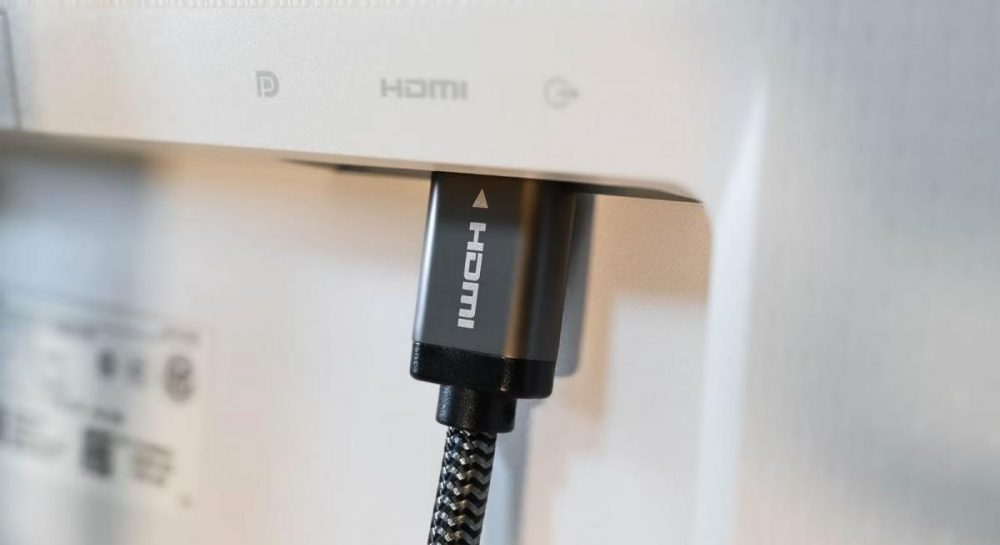 💡Tech
Photo: UNIAN
Key points
- Enabling HDMI Deep Color improves color accuracy
- The feature may be disabled by default
- Setting names vary by TV manufacturer
Modern Smart TVs, gaming consoles, and streaming devices are capable of delivering high-quality images, yet users often experience dull visuals even on HDR-supported devices. The culprit is often the inactive HDMI Deep Color feature, which is responsible for extended color depth.
What is HDMI Deep Color and why it matters
HDMI Deep Color technology allows the transmission of signals with 10 or 12-bit depth instead of the standard 8-bit. This ensures smoother transitions between shades and significantly improves color accuracy, making movies and games look more realistic. Although the feature was introduced back in 2006, it still requires manual activation on many devices.
How to enable settings on your TV
On most TVs, this option should activate automatically, but it sometimes remains disabled by default. To check your settings, navigate to the HDMI port menu:
- LG: look for HDMI Deep Color or Ultra HD Deep Color.
- Samsung: the feature is labeled as HDMI UHD Color or "Input Signal Plus."
- Sony and others: often marked as "Enhanced format."
If you notice that 4K content looks undersaturated, check this parameter for each HDMI port individually. This simple adjustment allows your TV to reach its full technical potential without any additional costs.
Source UNIAN — unian.ua/techno/gadgets/shcho-take-hdmi-deep-color-i-chomu-cyu-funk… ↗
Read next
 🏛️Politics
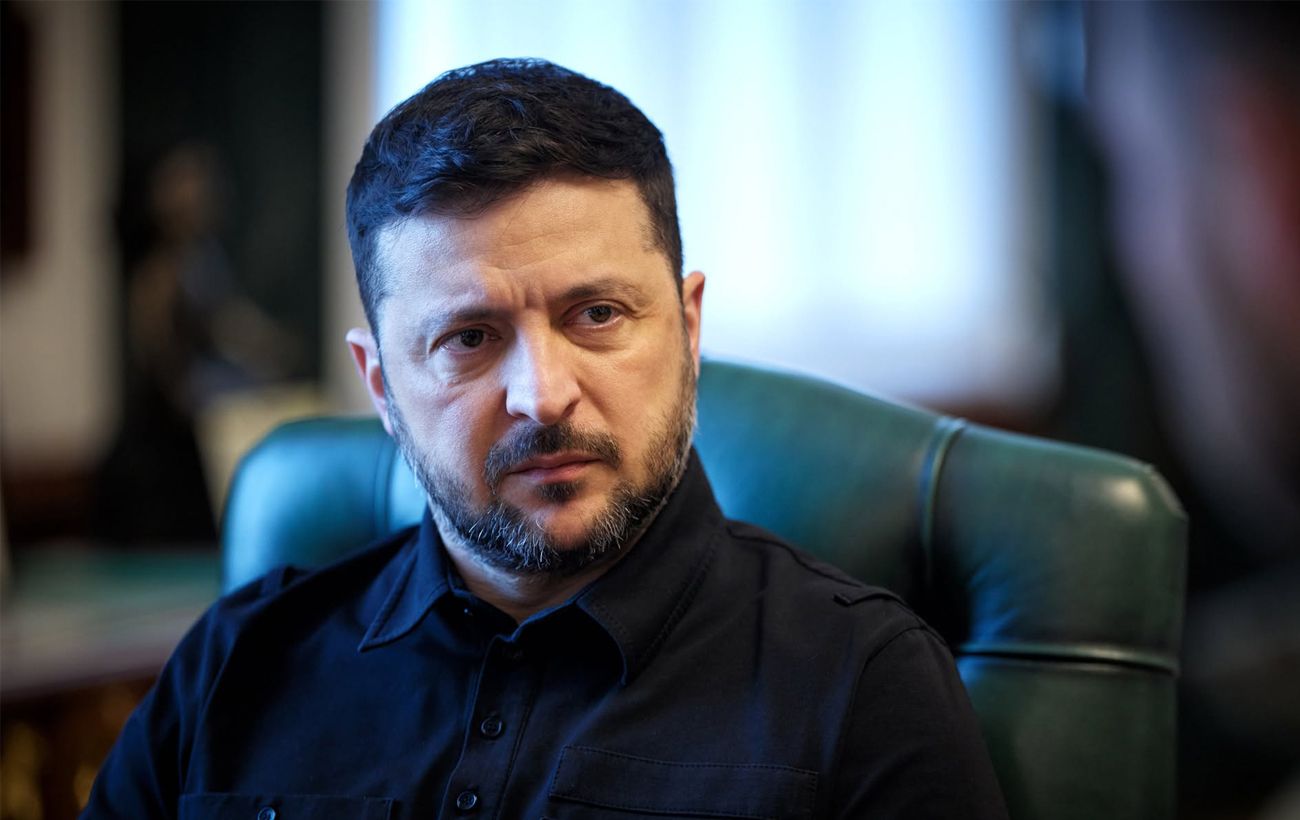
Zelenskyy: China thwarted Putin's attempts to implement a 'Yalta-2' scenario
The President of Ukraine stated that the Kremlin attempted to use an international summit to redraw spheres of influence, but faced resistance from Beijing.
 🩺Health
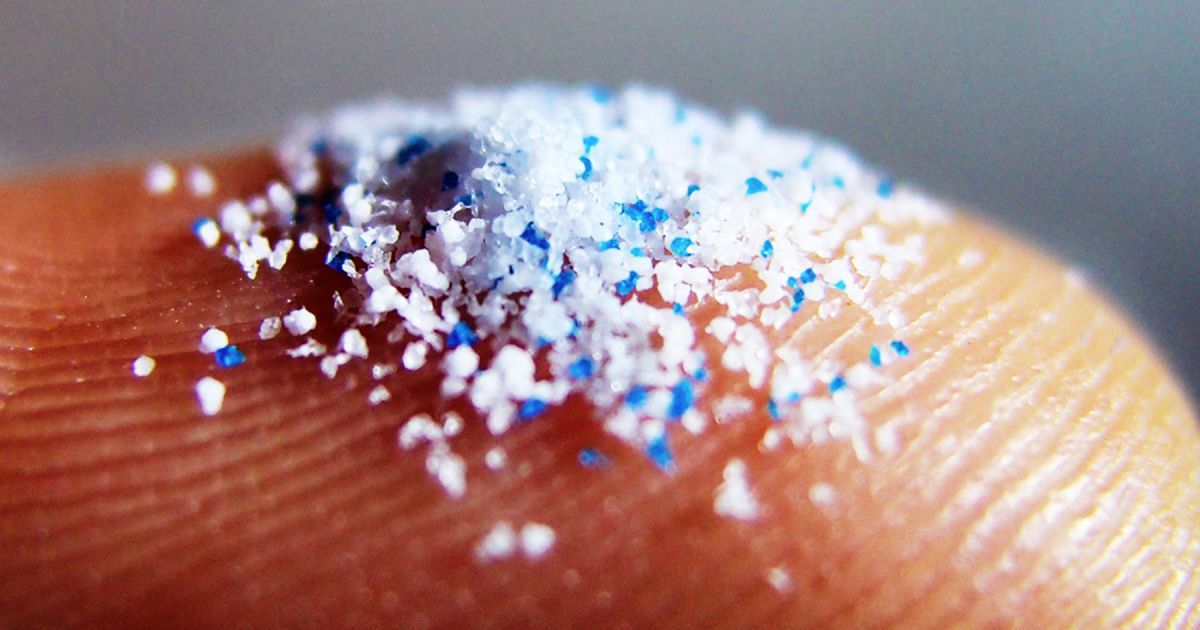
Microplastics in water: scientists discover hidden chemical threat to cells
Research from Columbia University proves that microplastics do not just accumulate in the body but trigger active chemical reactions with water, potentially damaging biol…
 🚨Events
Moldovan airspace violated again by unknown drone
On Saturday, November 21, a jet-powered UAV crossed the Moldovan border twice amidst Russian attacks on Ukraine.
 👥Society
Generational Bond: How the Symchych Family History Reflects the Path of the Ukrainian Army
The story of UPA commander Myroslav Symchych and his son, a fighter in the Third Army Corps, demonstrates the continuity of the struggle for Ukrainian statehood.
 💼Economy
Trump's Diplomatic Deadline: Analyzing the Prospects for Ending the War
The Donald Trump administration is aiming to reach peace agreements regarding Ukraine by early 2027, though experts point to purely domestic political reasons for this ur…
 🛡️Security
Finland investigates suspected airspace violation by Russian helicopter
The Finnish Ministry of Defence reported that a Russian helicopter entered Finnish airspace near Loviisa, penetrating four kilometers inland.